Ping
- Guides
- April 5, 2021
Send a ping to a host to see if it’s online and how fast it responds
Usage
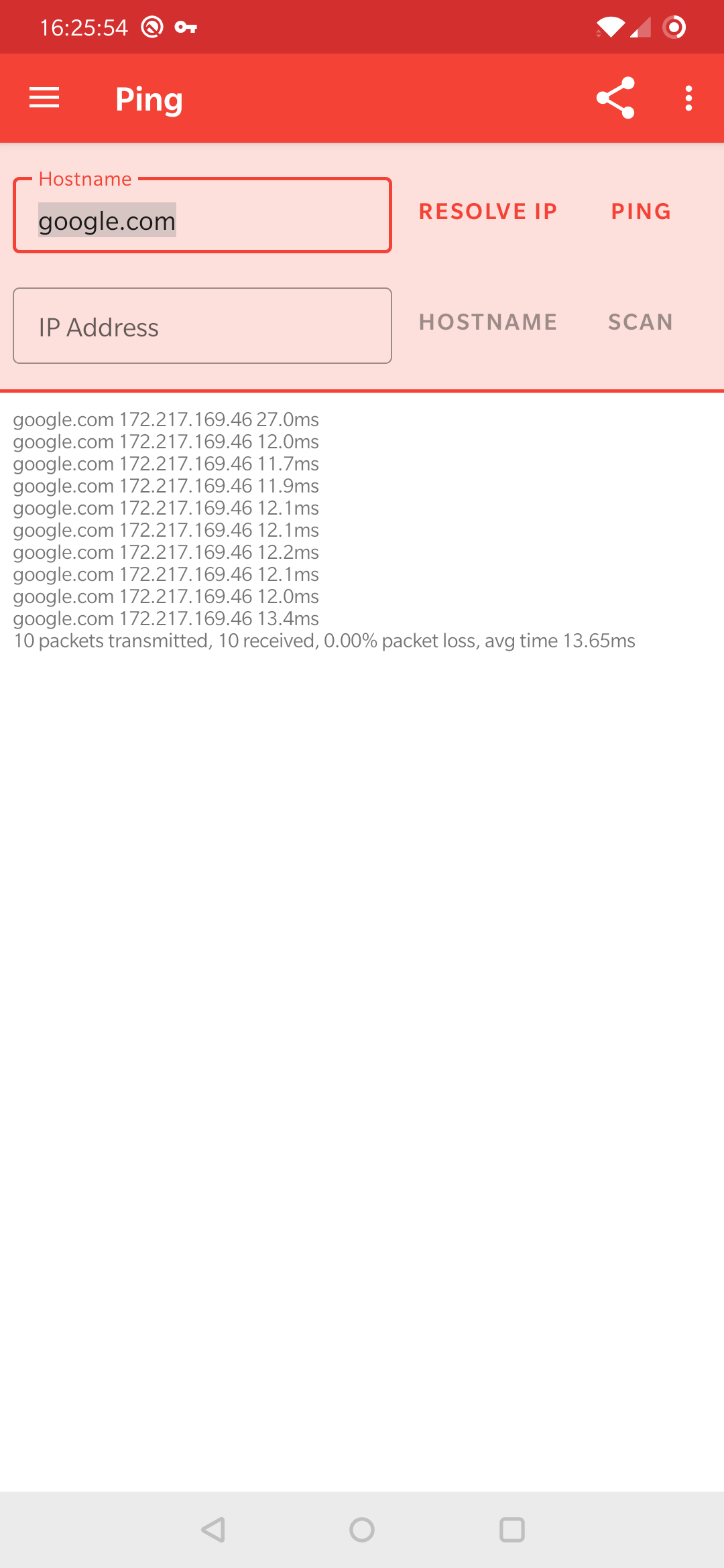
- Enter an IP address or hostname to ping
- Click ping
Demo
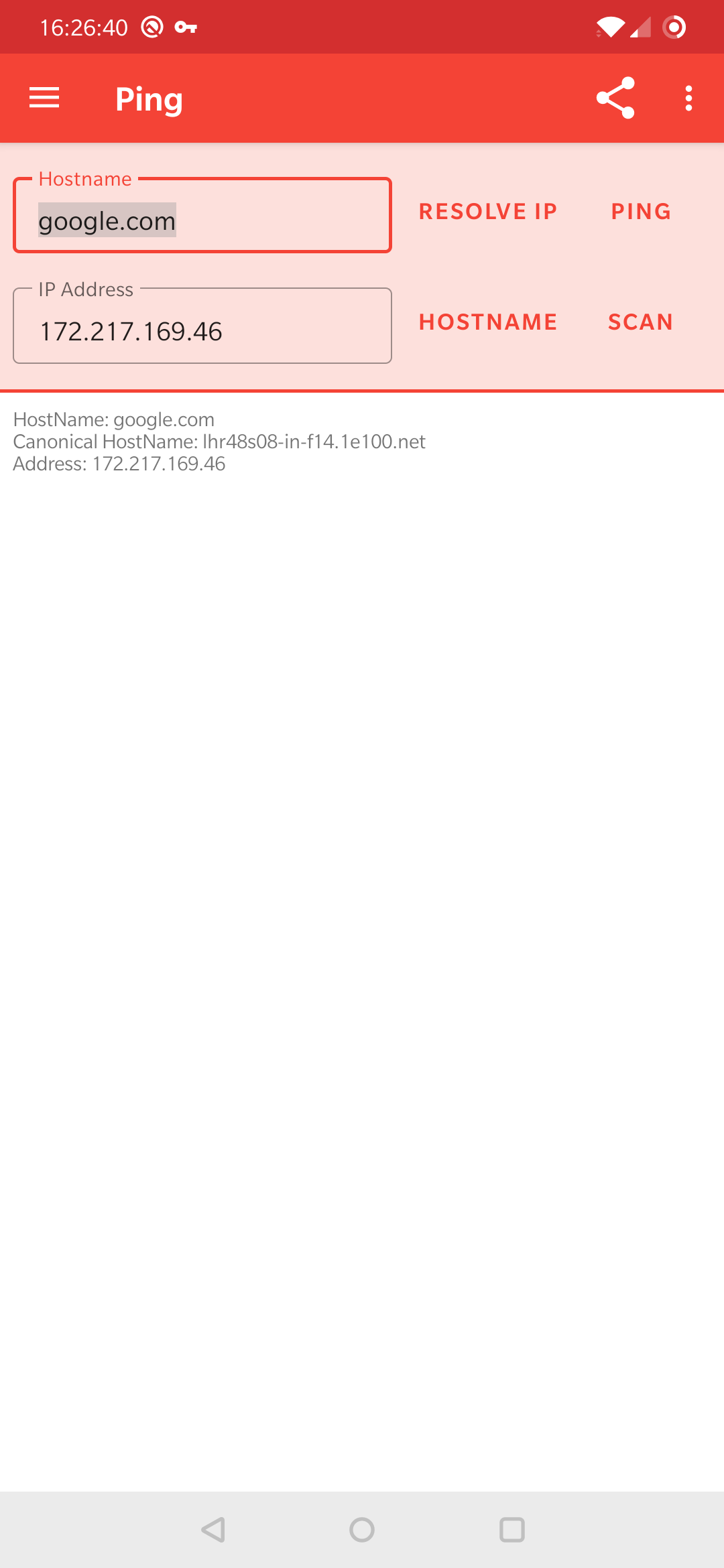
You can see this in the screenshots below:
Advanced Usage
- Resolve IP - Enter a hostname to find the IP address
- Hostname - Enter an IP address to find the hostname
- Context Actions - You can click on most of the rows in the results to perform actions, such as port scanning an IP or hostname.
Scan types
In the Pro version the drop-down next to the ping button allows you to select what type of ping you would like to perform. This now lets you pick between ICMP (default), HTTP and TCP.
- ICMP (default) - Standard ping protocol used by most services and the ping executable.
- TCP - This ping will work on any host that has an open TCP port. This means it has a very high chance of working where ICMP may be disabled or firewalled. It will be slower than ICMP due to the overhead.
- HTTP - This is considerably slower but can be used on any host that server a website (port 80 for HTTP or port 443 for HTTPS)
Note when selecting from the latter two options a port needs to be provided. For HTTP requests this will typically be port 80 for insecure (HTTP) and port 443 for secure (HTTPS) requests.