Device Information
- Guides
- April 5, 2021
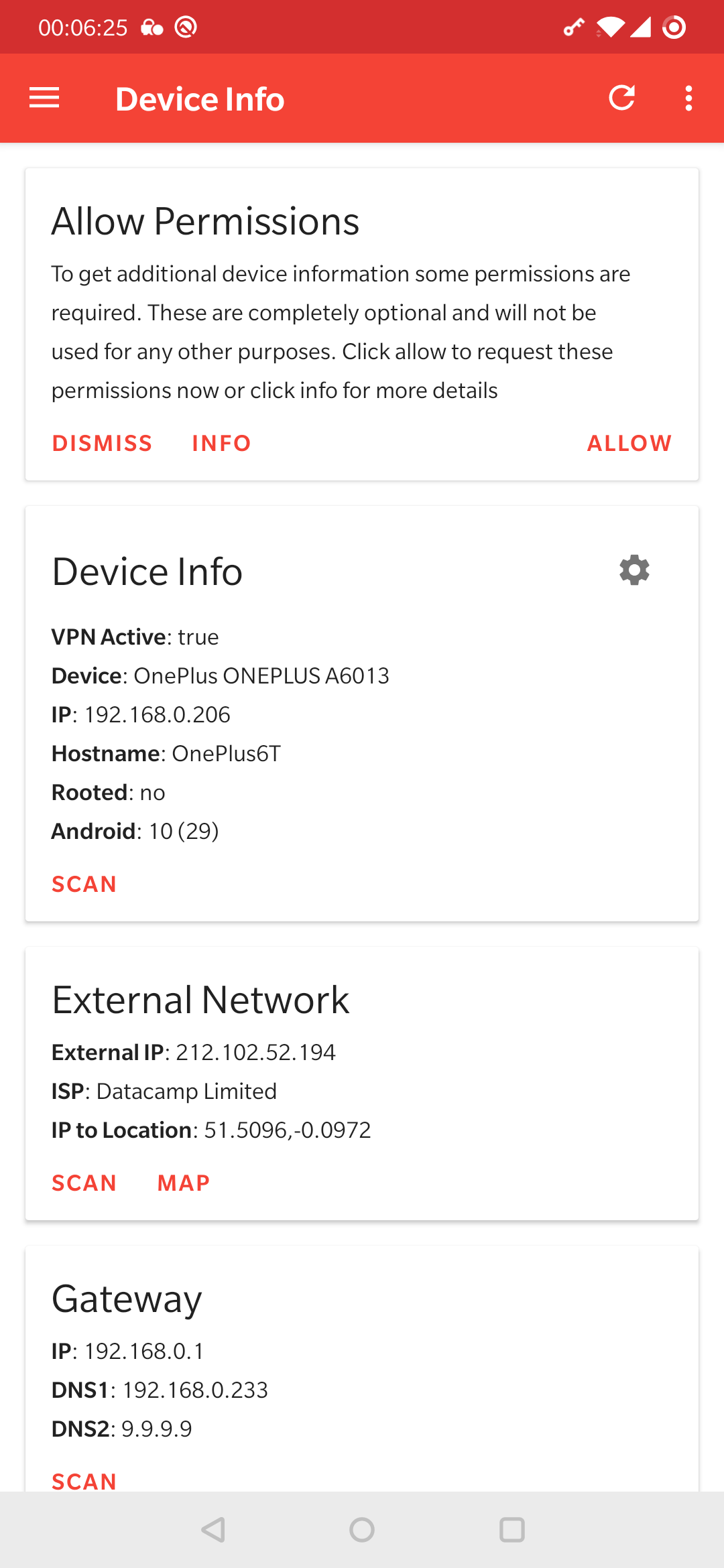
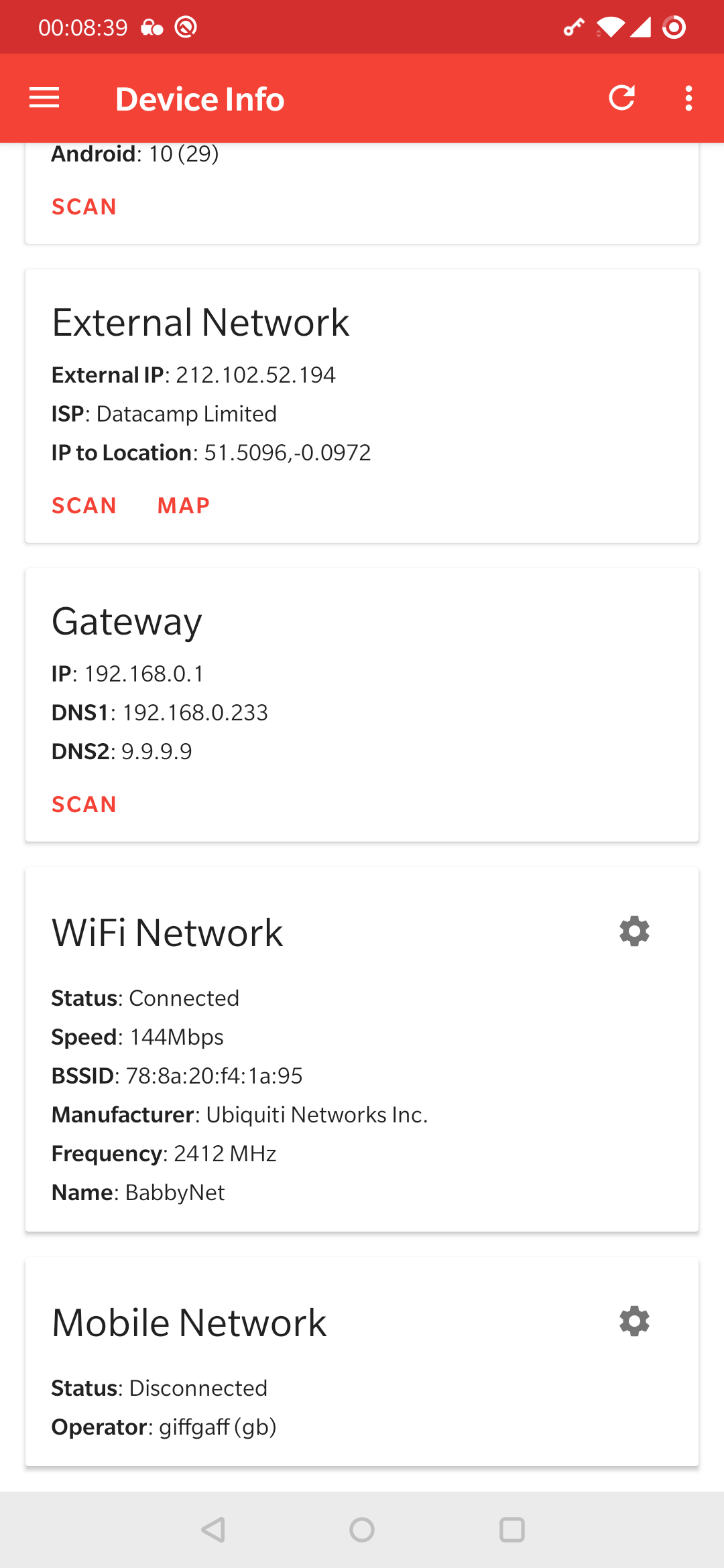
The device information page lists networking and device information and provides contextual actions and quick links to relevant settings.
Usage
- Load the page and view the information presented
- Click refresh to update this information
Permissions
Additional permissions can be granted to PortDroid in order to get more useful information form the device. These are completely optional, so only give them if you are comfortable doing so. An example of this is the location permission in order to get WiFi information such as the current network name. For a full list of the permissions used in PortDroid see the permissions page.
Demo
You can see this in the screenshots below: